
Property Listing Photo Editing for a Natural Look
A strong property listing photo should feel bright, clean, and believable. The goal is not to make a room look artificial. The goal is to help buyers understand the space clearly while keeping light, color, shadows, and windows consistent with the real scene.
Quick answer: A natural property listing edit brightens the room, controls windows, keeps wall and floor color believable, avoids crunchy HDR texture, and preserves enough contrast that the space still feels real.
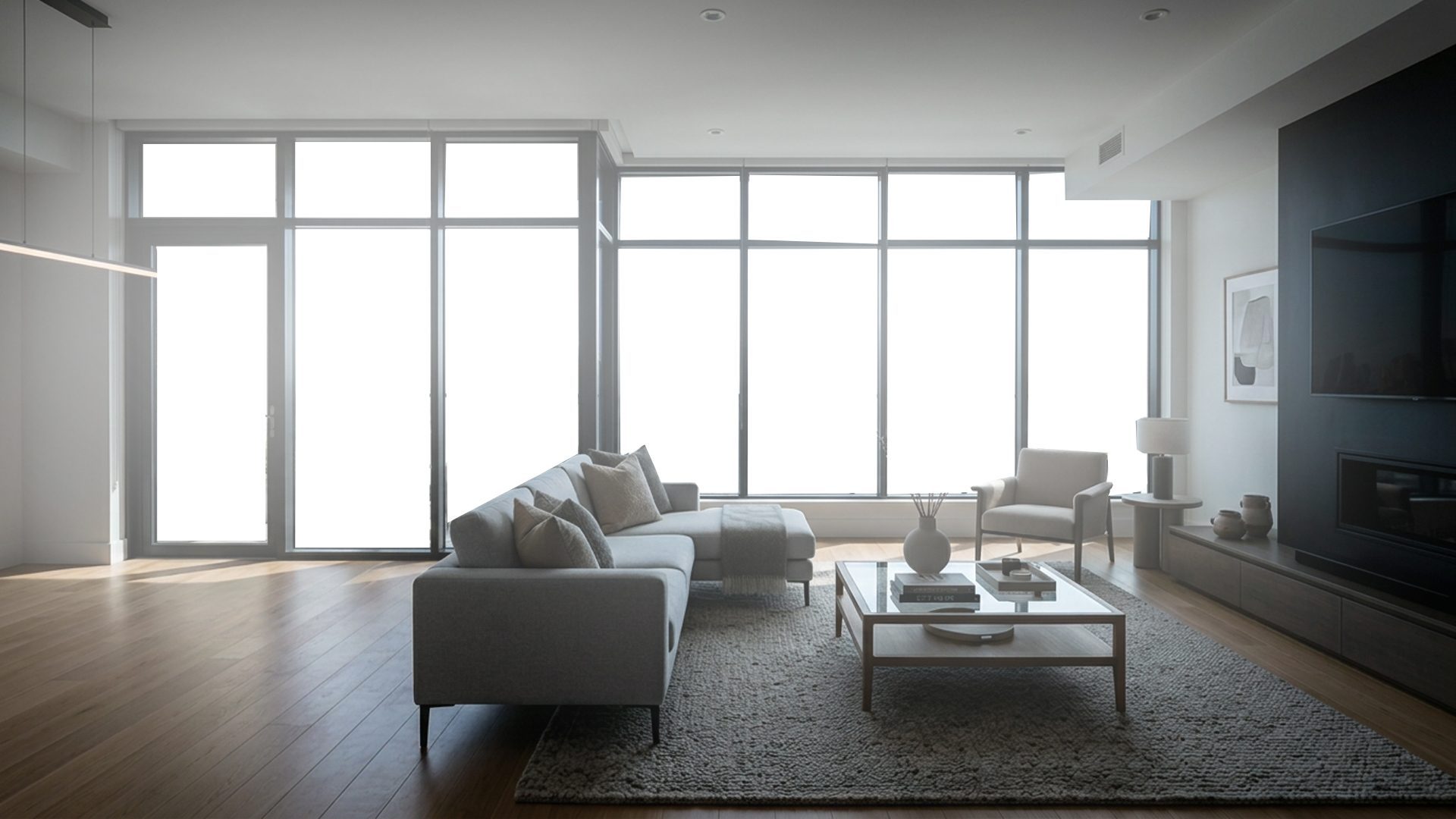
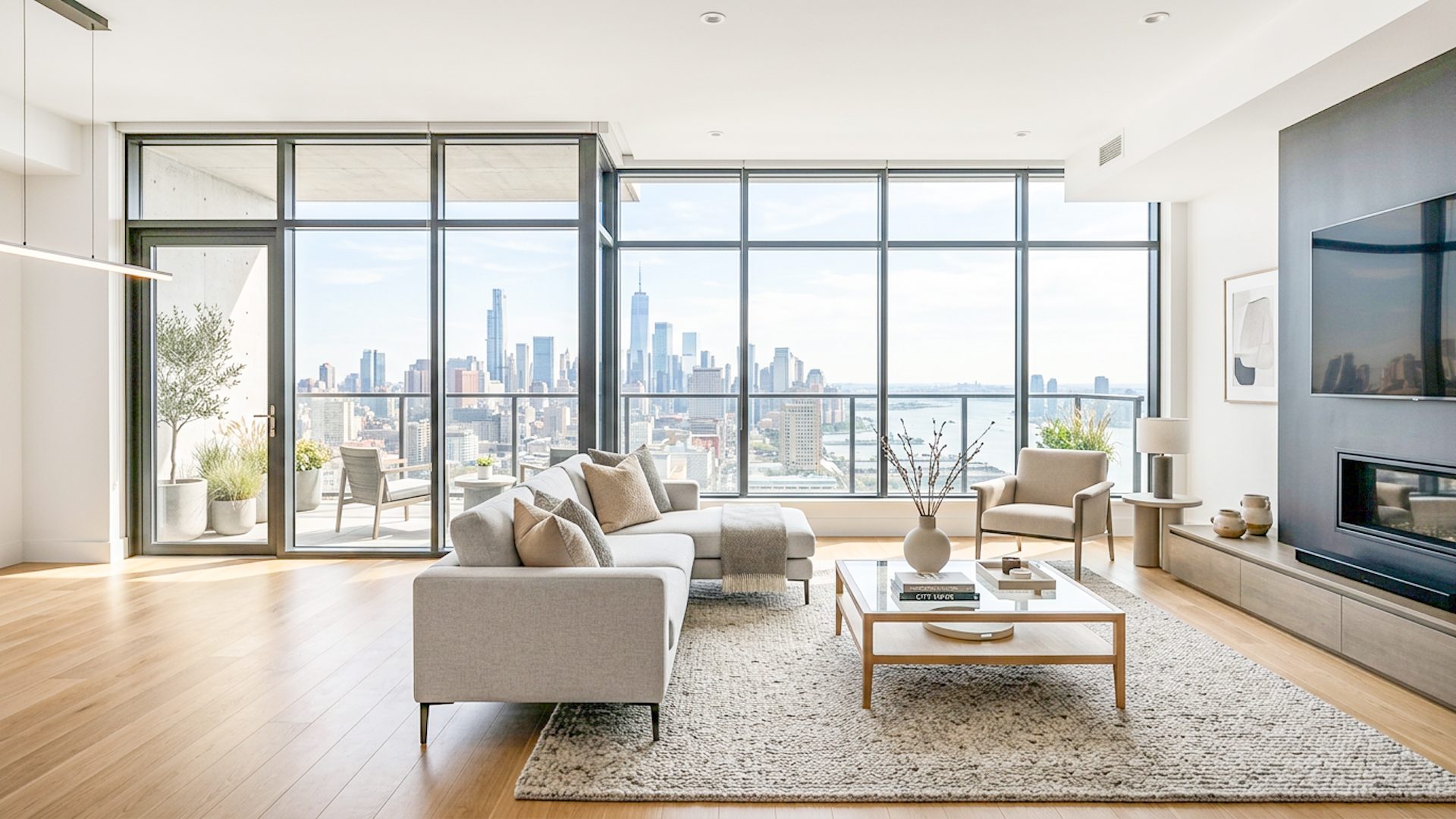
What a natural real estate edit should do
Natural-looking editing starts with restraint. The photo should usually be brighter than the raw middle exposure, but it should still have depth. Corners can be lifted without becoming gray. Windows can be controlled without looking pasted in. White walls should stay clean without losing texture.
For property listings, believable light matters because buyers use photos to judge the space. If the edit is too dramatic, the room may look larger, brighter, or more polished than it feels in person. That can create disappointment instead of trust.
Common signs of an over-processed listing photo
- Flat shadows with no depth under furniture, counters, or cabinets.
- Windows that are darker, sharper, or more saturated than the room supports.
- Orange or green color casts across walls and ceilings.
- Halos around window frames, lamps, and high-contrast edges.
- Too much clarity, making floors, walls, and textures look gritty.
Use bracketed exposures for difficult rooms
Many real estate interiors have bright windows and darker room detail in the same frame. A single exposure often cannot hold both. Bracketed photos give editing software more information: darker frames for windows, brighter frames for interior shadows, and a middle frame for balance.
The best result usually comes from blending the useful parts of those exposures into one realistic image. Learn the full process in How to Edit Bracketed Real Estate Photos.
How Lumaro approaches a natural look
Lumaro creates a Natural HDR Base before the final premium result. That base gives the workflow a more believable starting point, then the user can review, adjust, and export. Optional Window Pull helps when exterior detail needs special care, and final adjustment controls keep the result editable instead of forcing one fixed style.
Related guides: Free HDR Real Estate Editing Software Trial, Property Photo Editing Software, Real Estate Image Editing Software, Real Estate HDR Software, Real Estate Window Pull Software, Real Estate Photo Editing: Make a Room Brighter, and Property Photo Animation Tool Guide.
Try Lumaro free