
Property Photo Editing Software
Property photo editing software should help turn real estate images into bright, believable listing photos. The best workflow does more than add a filter: it balances exposure, protects windows, keeps color natural, supports review, and exports a clean final image.
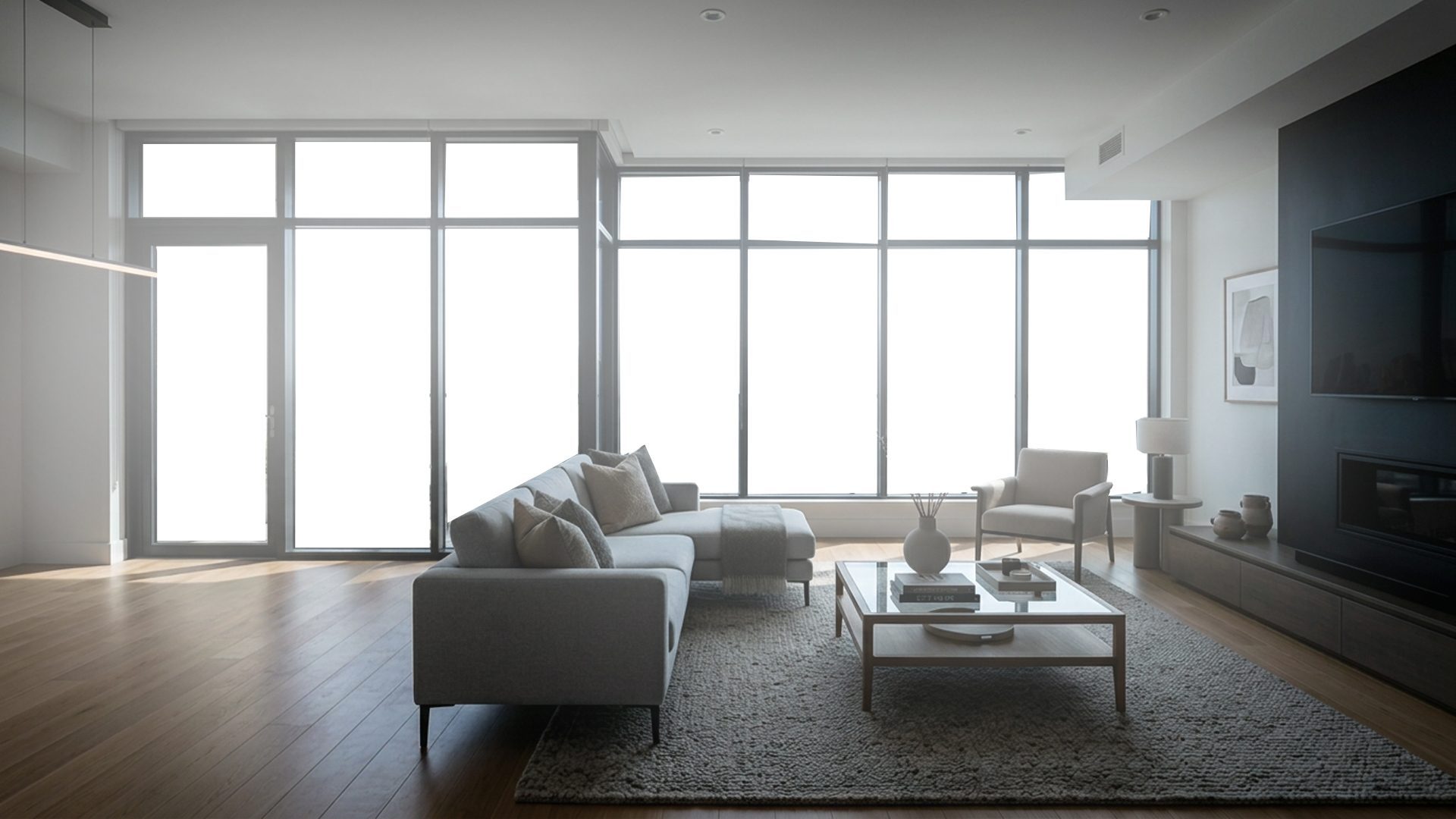
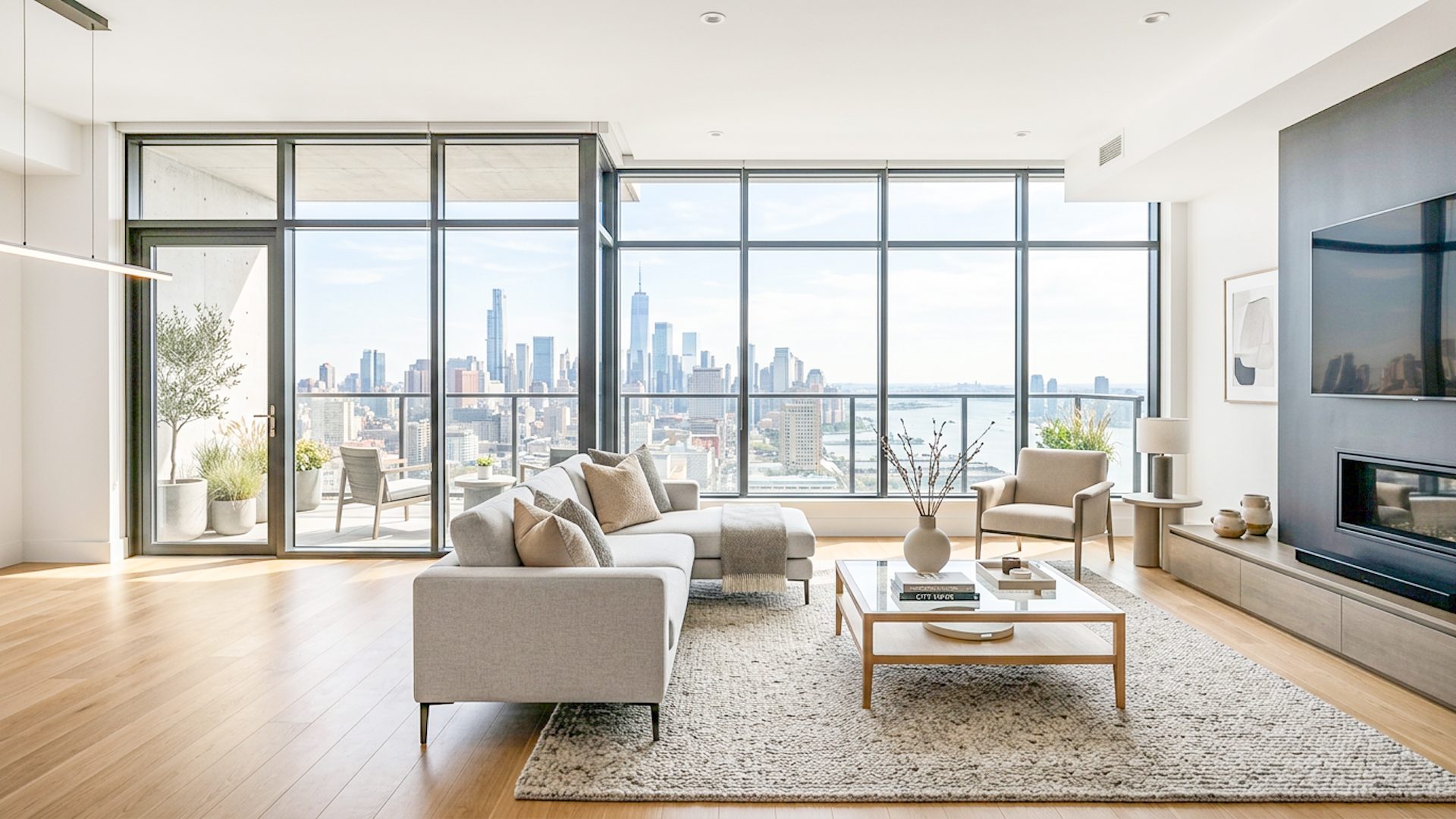
What property photo editing software should solve
Property photos often have the same editing problems: dark interiors, blown-out windows, mixed lighting, color casts, and images that look either too flat or too harsh after HDR processing. Good software should help with those problems without making the listing look misleading.
For listing images, the result should usually feel natural. Bright rooms matter, but believable light matters too.
Features to look for
- Bracketed photo support: useful when one exposure cannot hold both room detail and window detail.
- Natural HDR-style merging: combines exposure information without creating crunchy or fake-looking results.
- Window control: helps recover or soften bright windows when the exterior view matters.
- Final adjustments: lets the user tune exposure, highlights, shadows, warmth, color, and clarity before export.
- Local processing: keeps the core enhancement workflow on the computer instead of requiring image uploads.
Property photo editing is not only retouching
Some property photos need retouching, object removal, sky replacement, or perspective correction. Lumaro is focused on a different part of the workflow: bracketed real estate enhancement, room brightness, window control, review, adjustment, and export.
Which workflow should you choose?
Use bracketed HDR-style editing when one photo cannot hold both the room and the windows. This is common for interiors with strong daylight, glass doors, or large window views.
Use final adjustment controls when the merged image is close but needs a warmer color balance, softer highlights, brighter shadows, or a cleaner natural finish before delivery.
Quick buyer checklist
- Can it handle the file types you already shoot, including JPG, JPEG, or PNG brackets?
- Can you review the result before exporting, instead of accepting one automatic output?
- Does it help with the real problems in property photos: dark rooms, windows, color, and believable brightness?
- Can you test it on your own listing images before committing to a paid workflow?
Where Lumaro fits
Lumaro is Windows software for property photographers and editors working with bracketed real estate scenes. You select a folder of JPG, JPEG, or PNG exposures, enhance locally, review the Natural HDR Base and Premium Launch Result, adjust the finish, and export.
Related guides: Free HDR Real Estate Editing Software Trial, Real Estate Image Editing Software, Property Listing Photo Editing for a Natural Look, Make a Room Brighter, Bracketing Real Estate Photography, and Real Estate Window Pull Software.
Try Lumaro free