Select a bracket folder
Choose or drop a folder containing the exposures for one real-estate scene.
 Lumaro
Lumaro merges bracketed real-estate photos locally, balances difficult interiors, and gives you a polished result ready for final review.
Drag the handle to compare a source exposure with the finished Lumaro result.
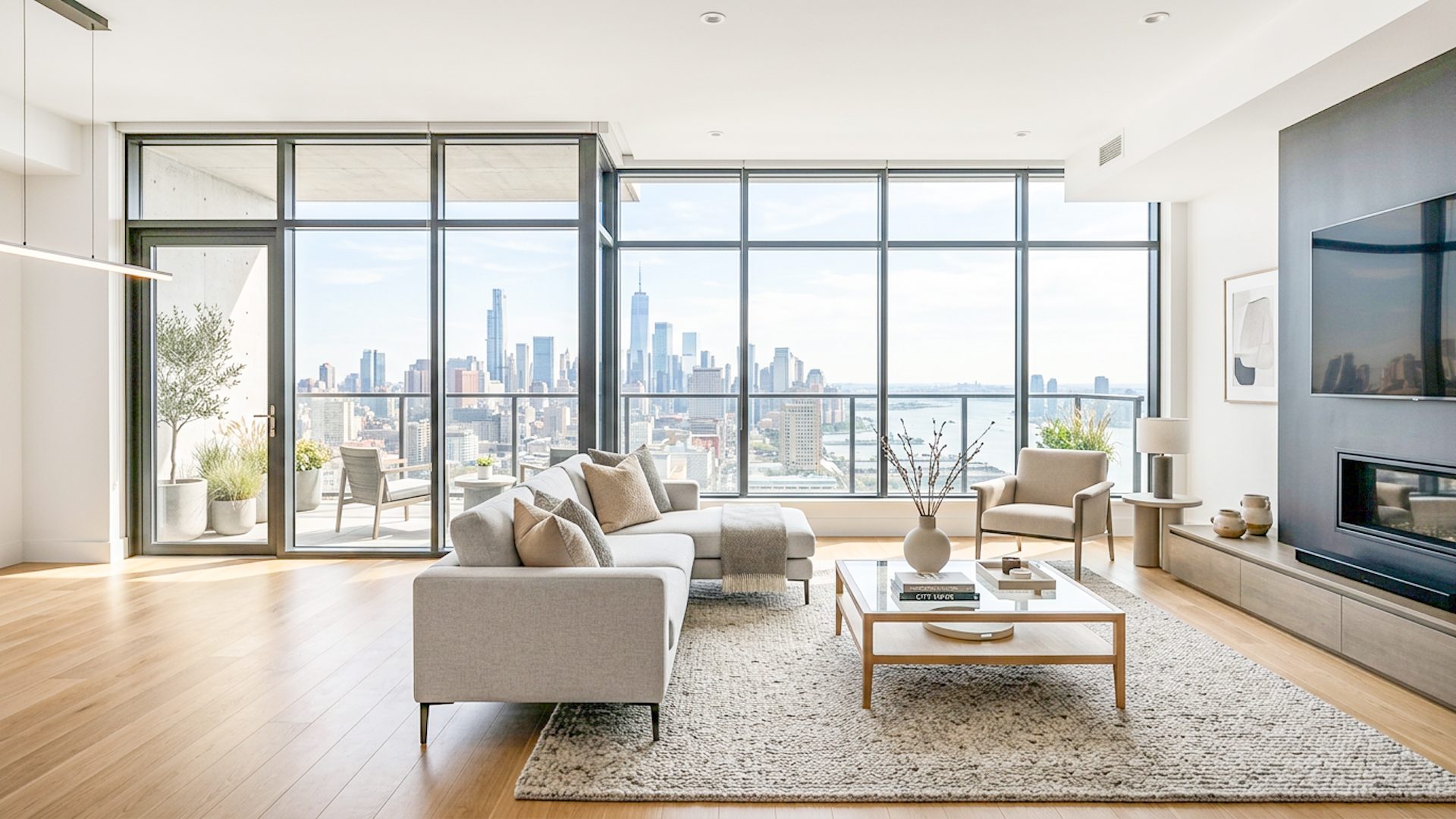
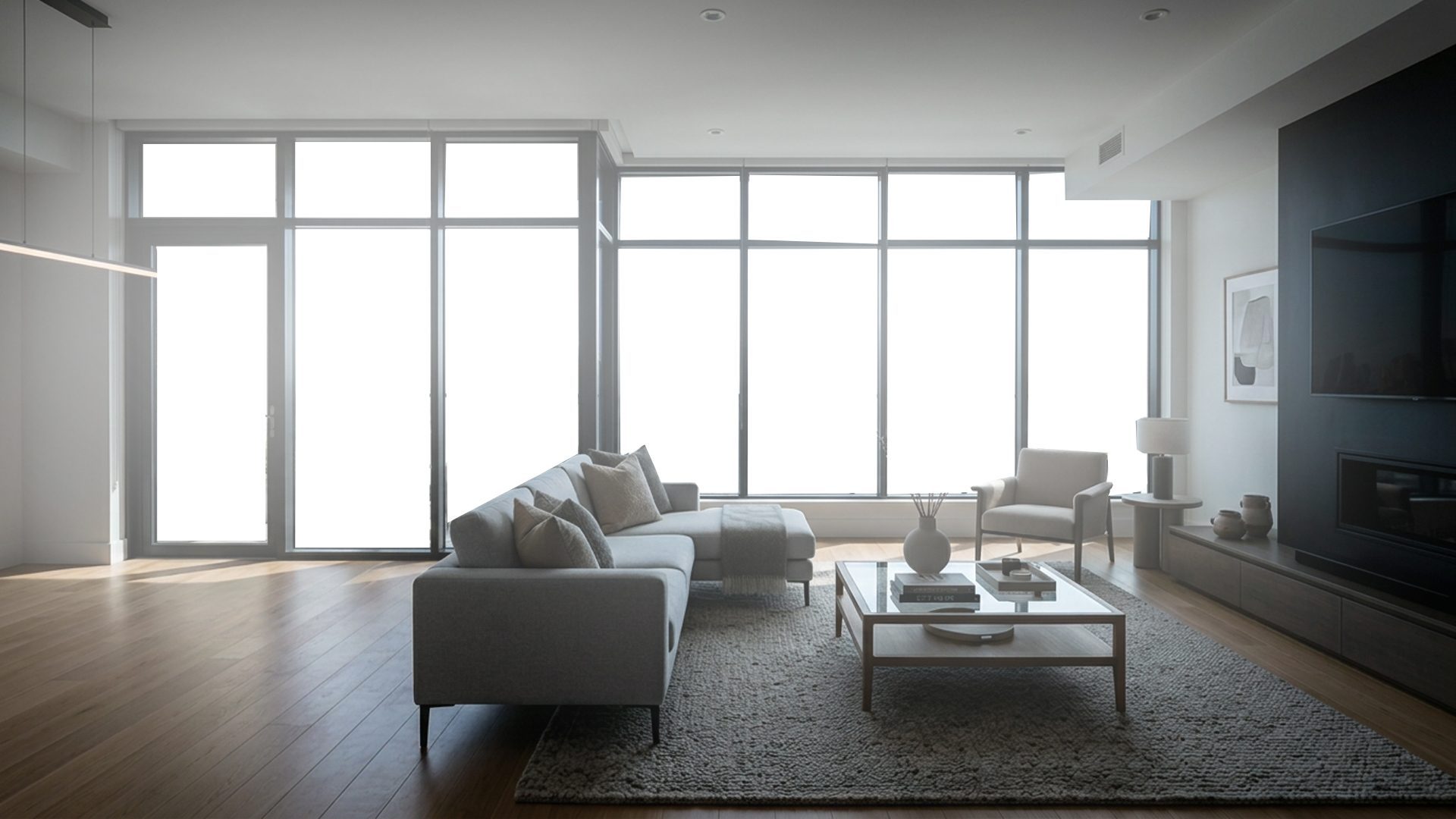
Lumaro turns a folder of exposures into a balanced result through a focused desktop workflow: organize, align, recover windows, enhance, then fine-tune.
Turn a bracketed scene into a polished starting point in about 2-5 minutes, instead of manually aligning exposures and building the initial HDR blend yourself.
Lumaro handles alignment, exposure merging, balancing, and the first enhancement pass. You stay focused on reviewing the image and making creative adjustments.
Choose or drop a folder containing the exposures for one real-estate scene.
Lumaro aligns and merges the images directly on your computer. Nothing is uploaded.
Compare the natural and premium results, fine-tune the finish, then export.
*Estimated for a typical bracketed scene. Actual processing time varies by image size, bracket count, and computer performance.
Lumaro performs its core enhancement locally. There is no cloud upload step between the source folder and your result.
Adjust exposure, highlights, shadows, warmth, vibrance, clarity, and individual color channels.
Recover a more useful balance between bright windows, interior shadows, and room detail.
Start with two full-quality images. Upgrade only when Lumaro earns a place in your workflow. Learn more about the free HDR real estate editing software trial.
Process two images at full quality and evaluate Lumaro on a real property.
A flexible plan for photographers who prefer a smaller ongoing commitment.
About $4.08 per month for professionals using Lumaro throughout the year.
Own the current Lumaro version with no recurring subscription.
Future major versions may be sold separately for lifetime licenses. Subscription plans include updates while active.
Short tutorials and guides for real estate HDR software, bracketed photo editing, brightening, natural edits, window recovery, speed, affordability, and AI-assisted image enhancement.
Download Lumaro and process your first two images at full quality. Windows may show an "Unknown publisher" message because the installer is not code-signed yet.
Lumaro is actively improving. If you have suggestions that would make the app easier or faster to use, contact us at support@lumaro.cc.
Lumaro accepts JPG, JPEG, and PNG bracket images. Other files and subfolders are ignored.
No. The current enhancement pipeline runs locally on your Windows computer.
Lumaro's installer is not currently code-signed. Check that you downloaded it from the official Lumaro website and compare the published SHA-256 checksum.
Windows is the current launch platform. A Mac version is planned for later evaluation.
You can process two images at full quality with no watermark. After the trial, choose a monthly, annual, or available lifetime license.
The early adopter lifetime license provides ongoing use of the purchased Lumaro version. Major future versions may be offered as separate paid upgrades.
Send feature ideas, support questions, licensing requests, or workflow feedback directly to the Lumaro team.