
Bracketing Real Estate Photography
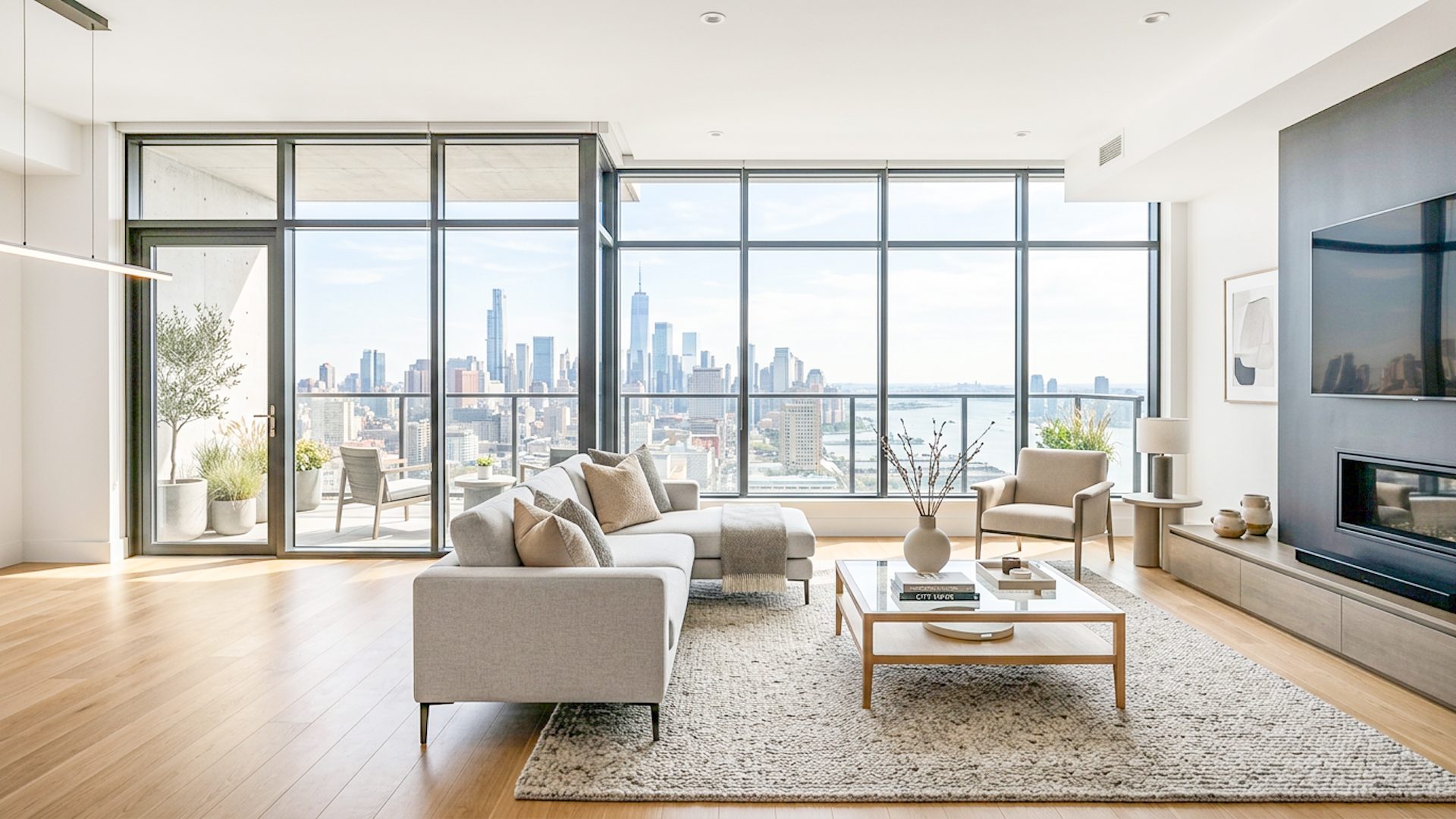
Bracketing real estate photography means capturing more than one exposure of the same room. It gives the editing workflow enough information to brighten interiors, control windows, and create a natural listing image without forcing one exposure to do everything.
Why real estate photographers use bracketing
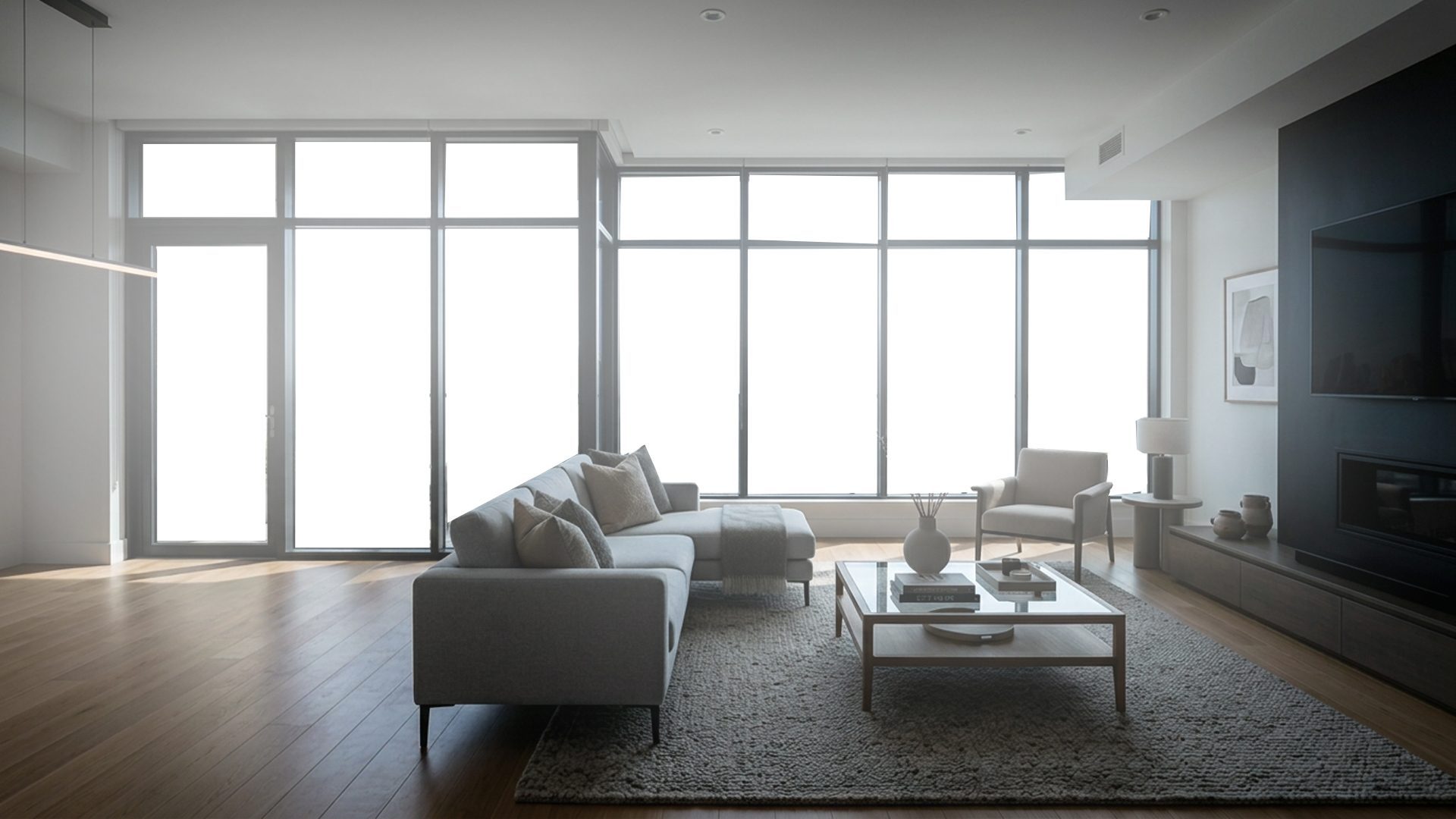
Real estate interiors often have bright windows and darker indoor areas in one frame. If you expose for the room, the windows can turn white. If you expose for the windows, the room can become too dark. Bracketing solves this by capturing several exposure levels for the same camera angle.
What each exposure usually contributes
- Darker bracket: holds exterior views, lamps, and other bright highlights.
- Middle bracket: keeps the room color and general exposure grounded.
- Brighter bracket: brings out shadows, darker furniture, corners, and flooring.
How to organize bracketed property photos
Keep one room or camera angle in one folder. Avoid mixing bedrooms, kitchens, and exterior shots in the same bracket set. Clear organization matters because the editing software needs to align and merge exposures from the same scene.
A steady tripod helps, but even then, small alignment corrections may be needed before the HDR base is built.
Where Lumaro fits
Lumaro is designed around this folder-based bracket workflow. You select a folder of JPG, JPEG, or PNG bracket images, enhance locally, review the Natural HDR Base and Premium Launch Result, adjust the finish, and export.
Related guides: How to Edit Bracketed Real Estate Photos, Real Estate HDR Software, PNG Sequence Bracketed HDR Workflow, and How to Fix Blown-Out Windows in Real Estate Photos.
Try Lumaro free