
Fast Real Estate Photo Editing Software
Fast real estate photo editing is not only about one-click enhancement. It is about removing repeated setup work from every room: organizing brackets, aligning exposures, building a natural base, controlling windows, reviewing the result, adjusting, and exporting.
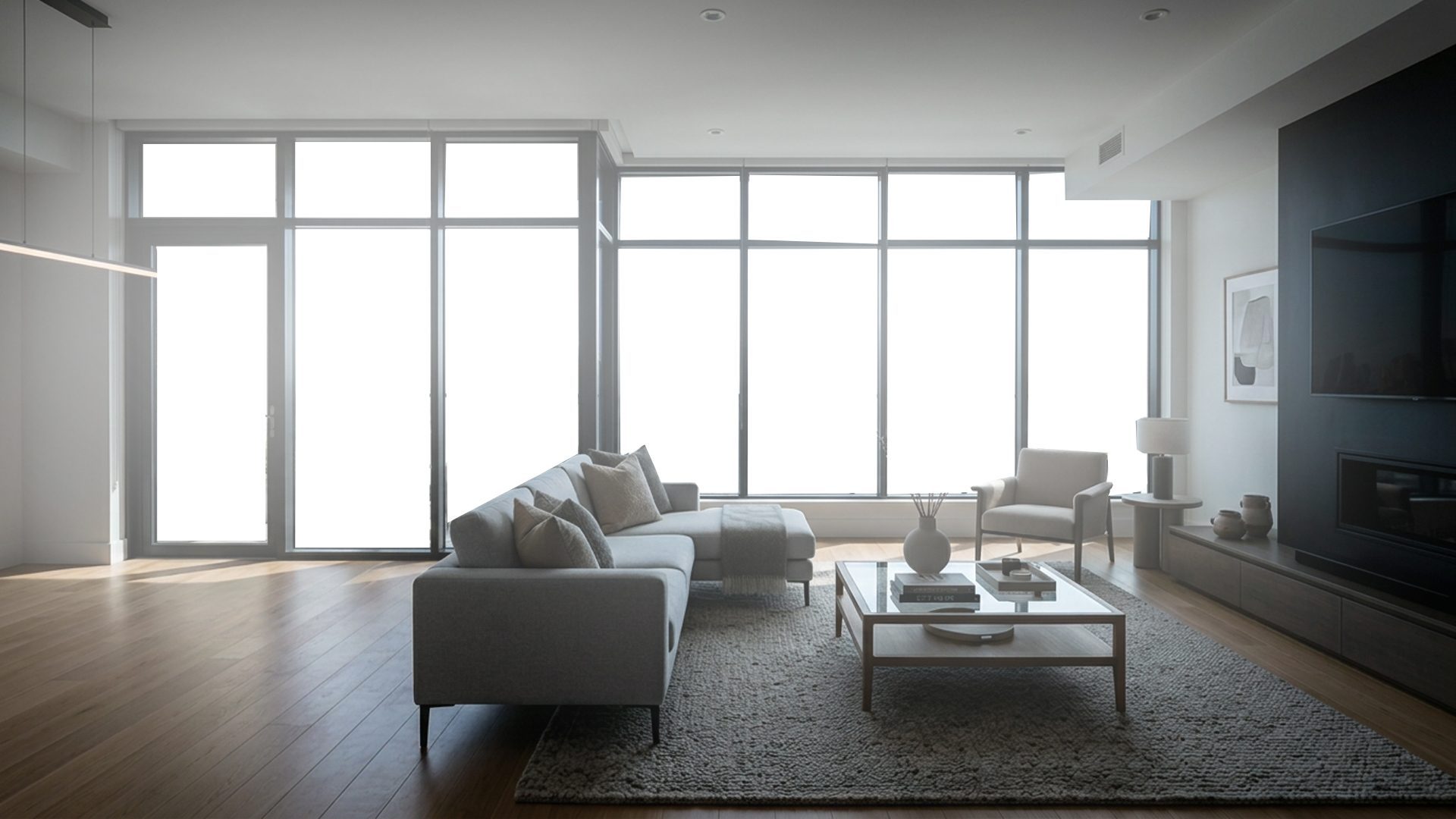
Manual HDR setup
- Import and group each room
- Align and merge exposures
- Mask difficult windows by hand
- Move files between tools
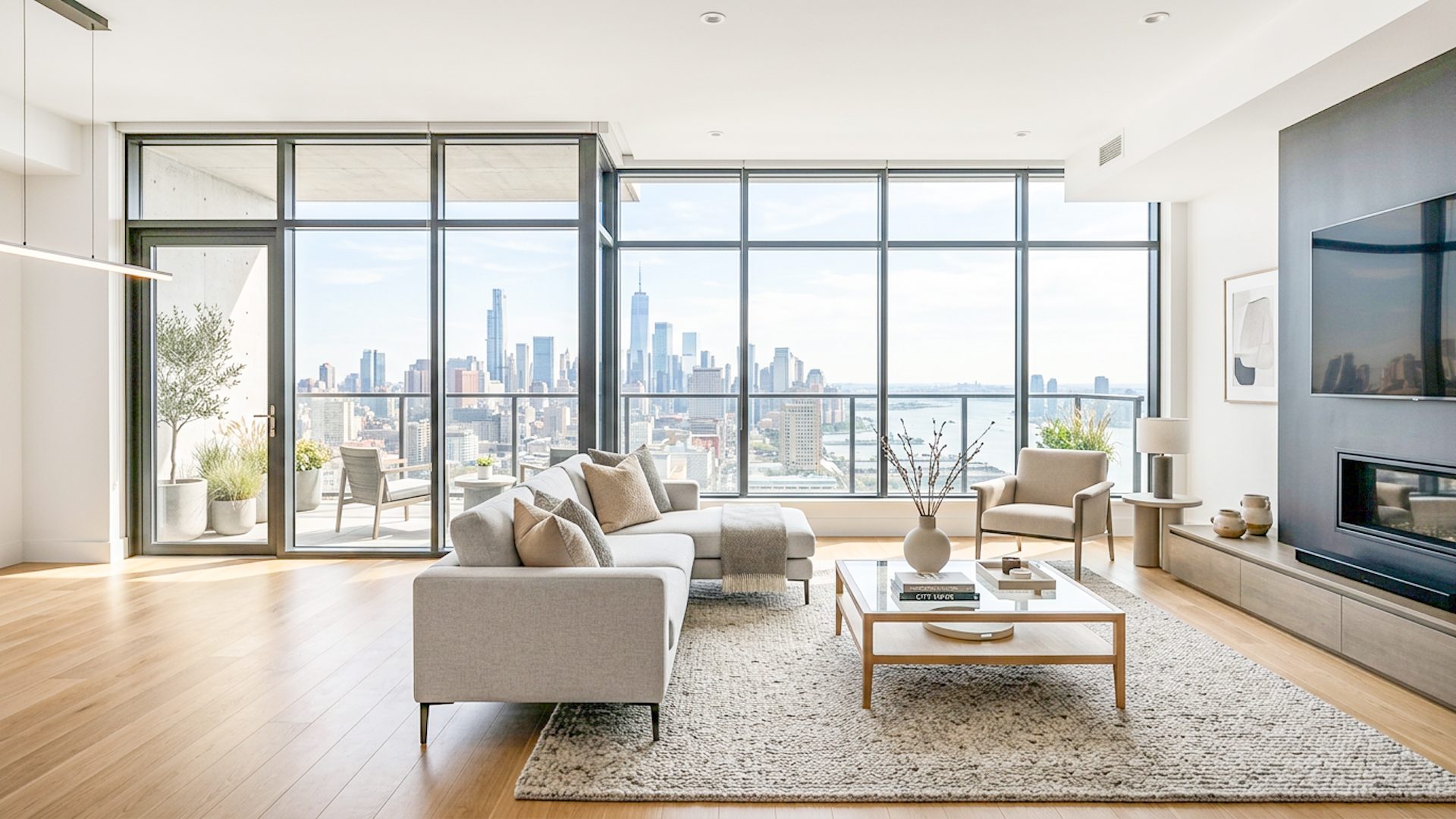
Lumaro workflow
- Select the bracket folder
- Build a natural HDR base
- Use Window Pull when needed
- Adjust and export in one flow
Where time usually disappears
Real estate editors often lose time on the same repetitive steps across every scene. Even if each step is small, the cost adds up across a full property shoot. Manual grouping, alignment, exposure blending, window masking, and export handoffs can make a simple listing feel slow.
The goal of a faster workflow is to move the editor to the review stage sooner. That does not mean skipping judgment. It means reducing the setup work before judgment can happen.
What fast software should actually do
- Start from a folder of bracketed images instead of a complex import process.
- Align exposures before creating the HDR-style base.
- Handle difficult light without requiring a full manual composite every time.
- Keep final adjustment controls close to the enhancement result.
- Export a clean file without forcing unnecessary extra steps.
Fast should not mean automatic at any cost
Some scenes need extra care, especially bright windows, mixed lighting, reflective floors, or unusual color casts. Fast real estate photo editing software should make simple scenes quick while still giving you a way to slow down for difficult rooms. That is why review, adjustment, and optional window recovery matter.
How Lumaro saves time for real estate photographers
Lumaro focuses on the repeated bracketed-photo workflow. You select the scene folder, run the enhancement locally, optionally use Window Pull when glass areas need extra care, then review and export from the same app. That makes Lumaro especially useful when you want a faster first pass before final delivery.
Instead of moving between several tools just to build the starting point, Lumaro keeps the main steps close together: folder selection, enhancement, Natural HDR Base, Premium Launch Result, full-image adjustments, window-only adjustments, and export.
Fast should still look natural
Speed is only useful if the result is credible. A fast workflow should not force harsh HDR, strange colors, or fake-looking windows. Lumaro is designed around a natural HDR base and final human review so the image can still feel appropriate for a property listing.
Who benefits most from a faster workflow
- Photographers processing multiple rooms from the same property.
- Editors who receive bracketed folders and need a cleaner first pass.
- Solo real estate photographers who need fewer repetitive steps before delivery.
- Teams that want local processing and consistent review/export behavior.
For a step-by-step version of the workflow, read How to Edit Bracketed Real Estate Photos. Related guides cover real estate image editing software, real estate HDR software, window pull software, affordable real estate photo editing software, natural property listing edits, and brighter room edits.
Try Lumaro free