
AI Real Estate Image Enhancement
AI real estate image enhancement is useful when it speeds up repetitive editing tasks while keeping the final image honest, reviewable, and appropriate for a property listing.
Where automation helps
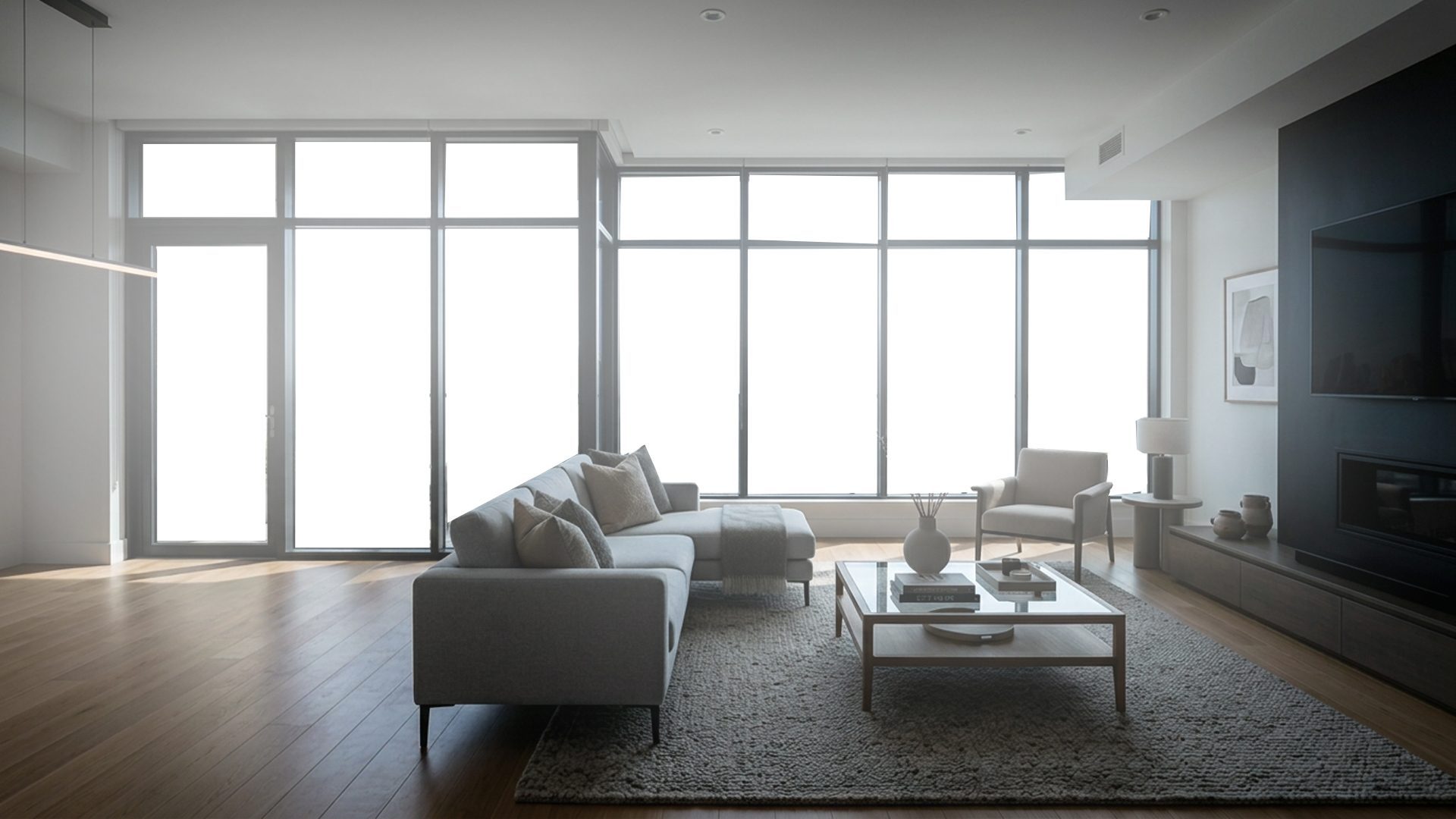
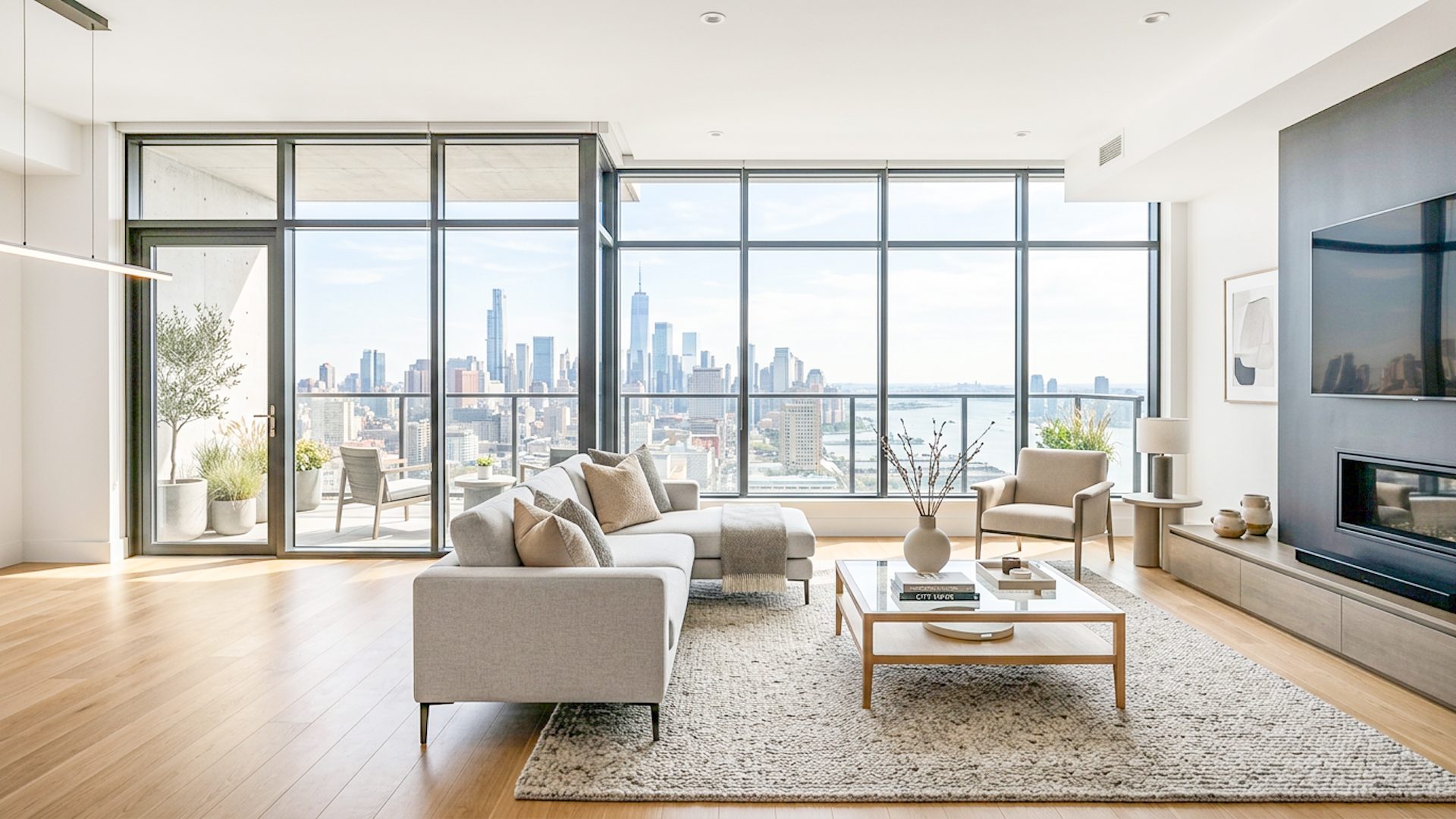
Real estate editing often contains repeated tasks: balancing exposure, improving brightness, preparing a natural starting point, and checking consistency across a shoot. Automation can reduce the time spent on these steps and help photographers move faster from capture to review.
For bracketed interiors, automation is most helpful when it handles setup-heavy work: loading scene folders, aligning frames, merging useful exposure detail, and preparing an image that is ready to inspect.
Where review still matters
Property photos should represent the space clearly. Automated enhancement should not invent misleading features or remove important visual context. A strong workflow keeps the creator in control so the final image can be checked before export.
What automation should not do
- Invent exterior window views that were not captured.
- Make interiors look unlike the actual property.
- Remove visual context that buyers should see.
- Force one style across every room without review.
Lumaro's direction
Lumaro currently focuses on bracket merging, lighting balance, local processing, and simple final adjustments. Future AI-powered features may expand the workflow, but the product philosophy stays the same: faster editing with human review at the end.
That means Lumaro is positioned as a focused real estate enhancement workflow first: bracketed images, Natural HDR Base, optional Window Pull, Premium Launch Result, manual adjustments, and export. Automation should support those steps rather than replace the photographer's judgment.
Related guides: real estate image editing software, real estate HDR software, fast real estate photo editing software, and how to edit bracketed real estate photos.
Test Lumaro on two images