
How to Edit HDR Real Estate Photos
HDR real estate editing uses multiple exposures to build one balanced property image. The goal is not a dramatic HDR effect. The goal is a bright, natural listing photo with readable interiors, controlled windows, and believable color.
Quick answer: Edit HDR real estate photos by merging a bracketed set into a natural base, controlling bright windows from darker frames, correcting color, and finishing with small exposure, highlight, shadow, warmth, and contrast adjustments.
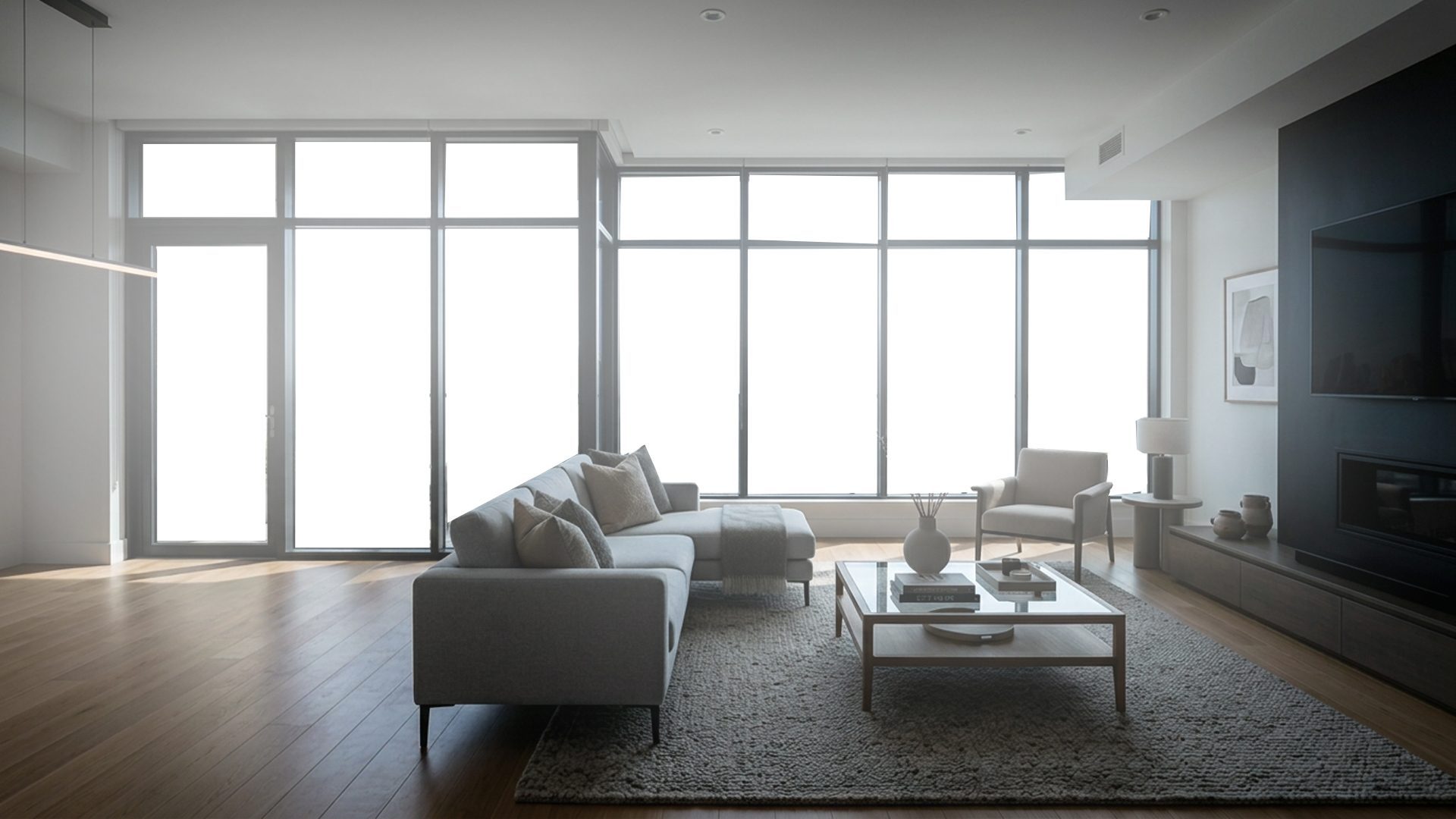
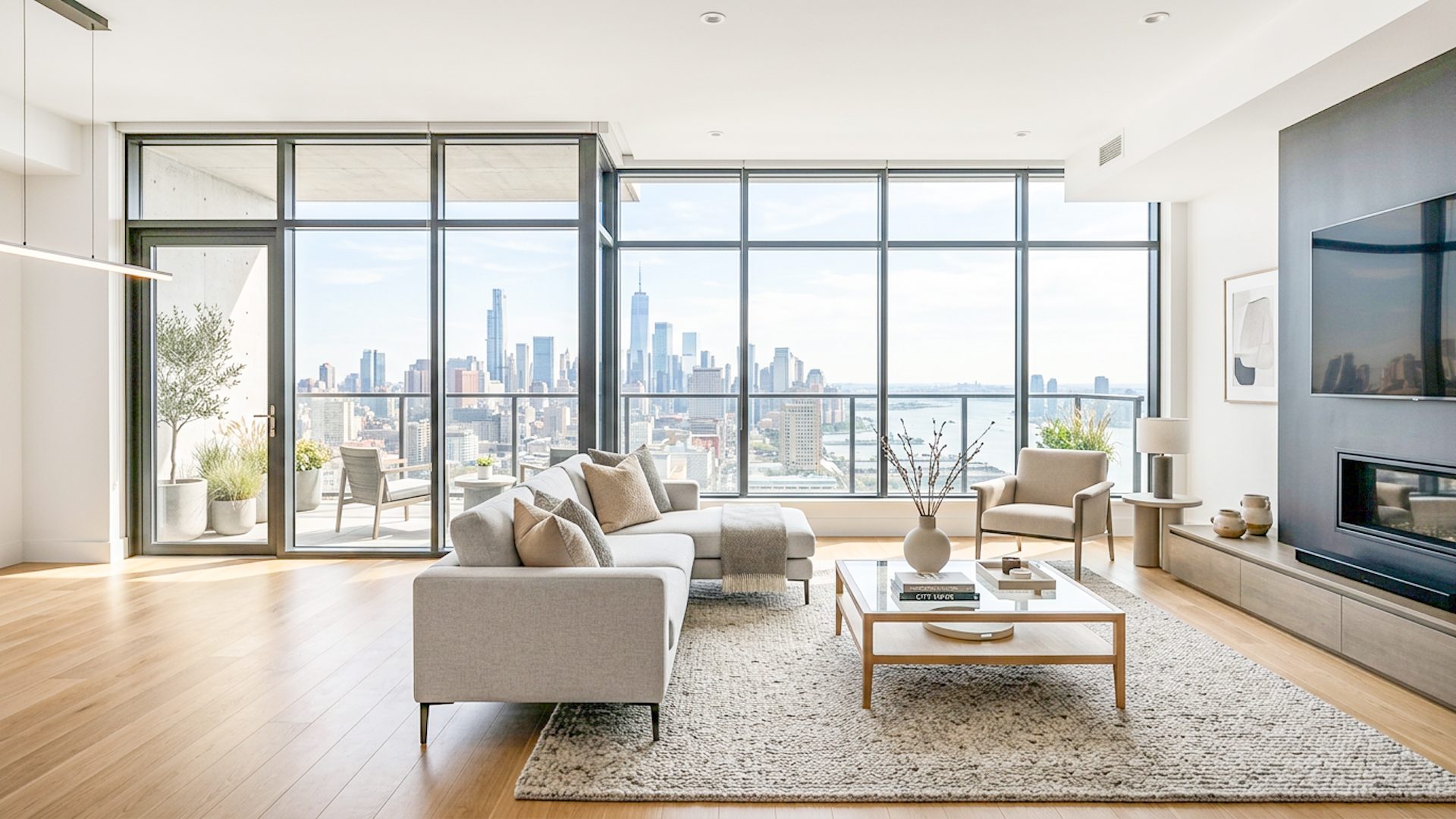
Beginner HDR editing workflow
- Group each room's dark, middle, and bright exposures in one folder.
- Remove blurry frames or brackets from the wrong scene.
- Align the frames so walls, windows, and furniture edges match.
- Create a natural HDR base from the useful parts of each exposure.
- Use darker exposure detail for windows only where the view matters.
- Adjust exposure, highlights, shadows, warmth, color, and clarity.
- Export after checking that the room still looks believable.
What makes HDR real estate photos look natural?
Natural HDR keeps some shadow and depth in the room. It controls bright areas without making every window perfectly detailed, and it avoids harsh halos around frames, lamps, furniture, and wall edges.
Color is just as important as brightness. Mixed daylight and indoor light can make walls look blue, yellow, or green, so final color correction should happen after the merge.
Common HDR editing mistakes
- Over-flattening shadows: the room becomes bright but loses shape.
- Over-recovering windows: the view outside looks pasted in or darker than the room.
- Too much clarity: walls, floors, and furniture can look harsh or crunchy.
- Skipping review: automatic HDR can miss color casts, ghosting, and odd window transitions.
Where Lumaro fits
Lumaro gives property photographers a focused HDR workflow on Windows. You select a bracket folder, process locally, review the Natural HDR Base and Premium Launch Result, adjust the finish, and export. If windows need extra control, Window Pull can blend detail from a darker bracket with a soft mask.
Related guides: How to Merge Bracketed Photos for Real Estate, How to Edit Bracketed Real Estate Photos, How to Fix Blown-Out Windows in Real Estate Photos, Real Estate HDR Software, and Property Listing Photo Editing for a Natural Look.
Try Lumaro free