
HDR Merge Tool for Property Photographers
A practical HDR merge tool should reduce the repetitive setup between capture and final review, especially when property photographers work through many rooms in one shoot.
The problem with manual merging
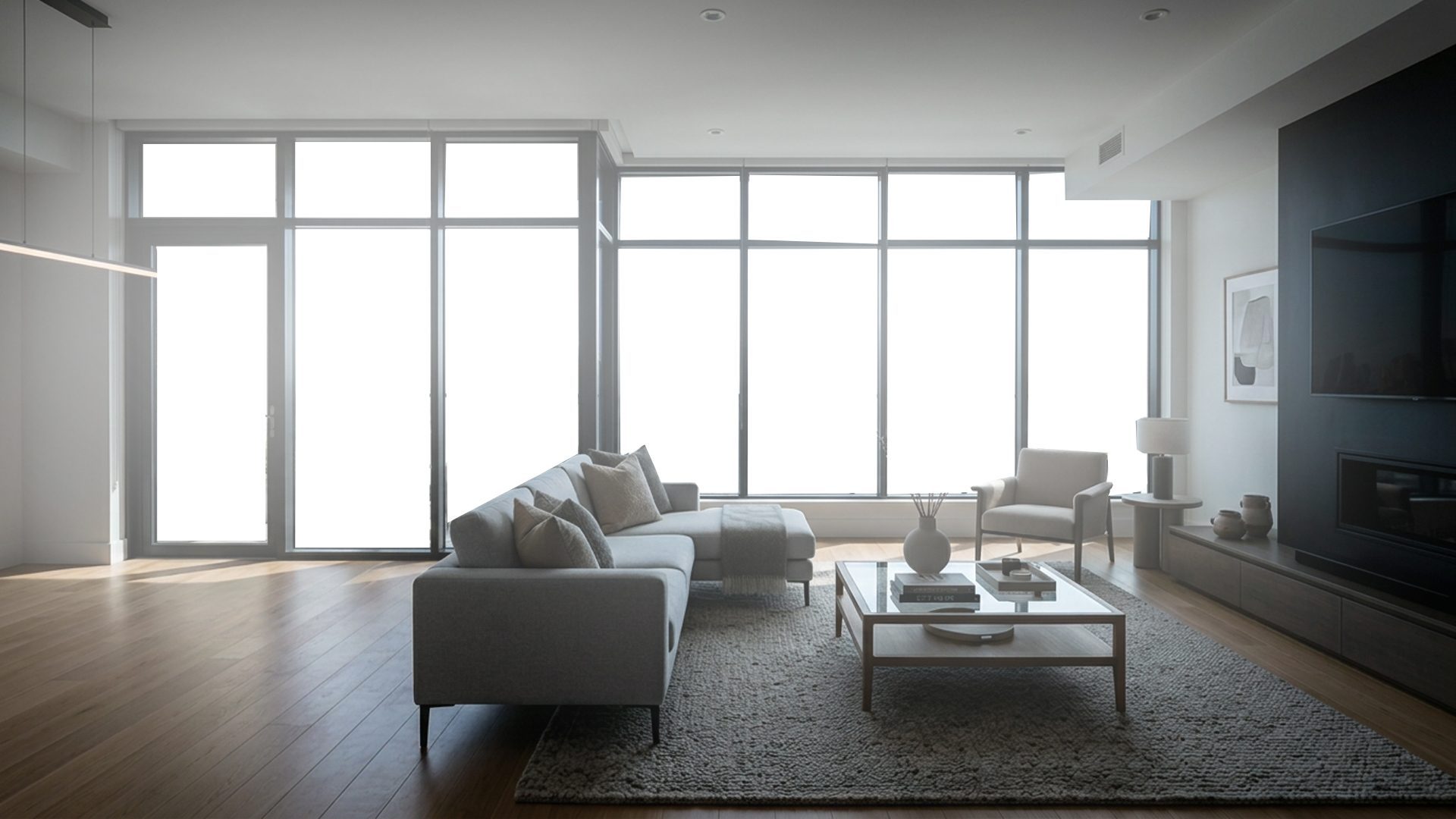
Traditional HDR workflows can involve importing, grouping, aligning, merging, exporting, and then opening another editor for final corrections. That can work, but it adds friction when every property contains many bracketed scenes.
A simpler property workflow
For real estate work, a faster merge workflow should start with a folder of bracketed images and produce a review-ready result quickly. The best tools keep the process predictable: choose the scene, merge the exposures, inspect the result, and export.
For a complete step-by-step process, see How to Edit Bracketed Real Estate Photos.
What slows photographers down
The time cost is often not one dramatic edit. It is the repeated friction across every room: finding the right brackets, aligning small camera shifts, controlling highlights, balancing warmth, and exporting a consistent result. A property-focused HDR merge tool should make those repeated steps feel routine.
Useful features in an HDR merge tool
- Folder-based bracket selection for each scene.
- Automatic alignment before blending exposures.
- A natural HDR base that does not look crunchy or over-processed.
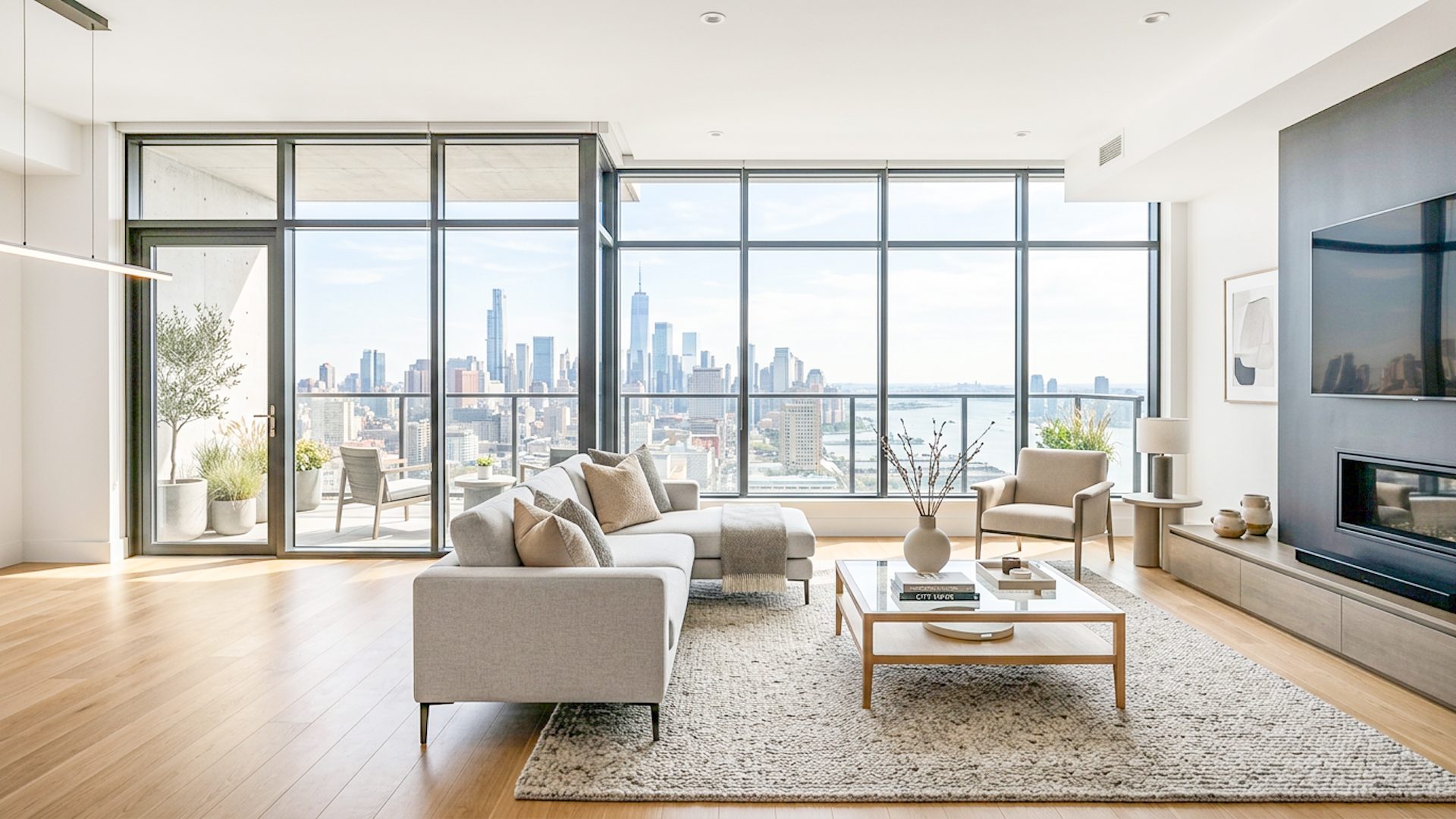
- Optional window recovery for scenes with bright glass or exterior views.
- Final adjustment controls before export.
What a good merge should avoid
Property HDR should not create crunchy contrast, halos around windows, flat gray interiors, or pasted-looking exterior views. The merge should create a believable base that can still be judged and adjusted before export.
How Lumaro approaches it
Lumaro is built for bracket folders and local processing. It accepts common JPG, JPEG, and PNG inputs, ignores unrelated files, and focuses on creating a balanced result that can be fine-tuned without leaving the app. When a window needs extra care, Window Pull can use a manually selected mask to blend cleaner detail from the darker exposure.
Related guides: real estate HDR software, how to edit bracketed real estate photos, real estate image editing software, and window pull software.
View the workflow