
Best Real Estate Photo Editing Software
The best real estate photo editing software depends on the workflow you need: fast HDR merging, natural lighting balance, window control, batch consistency, or deep manual retouching.
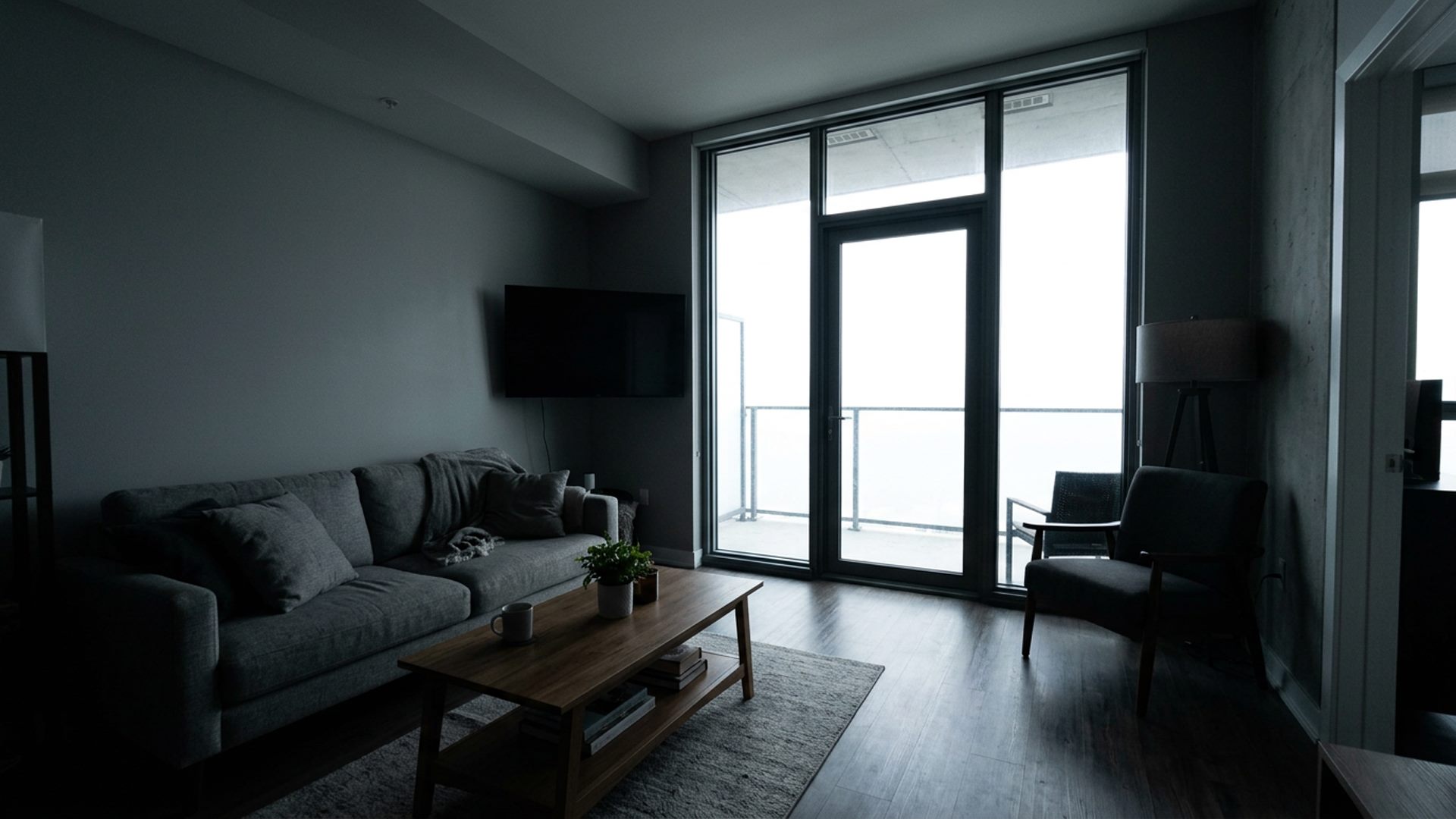
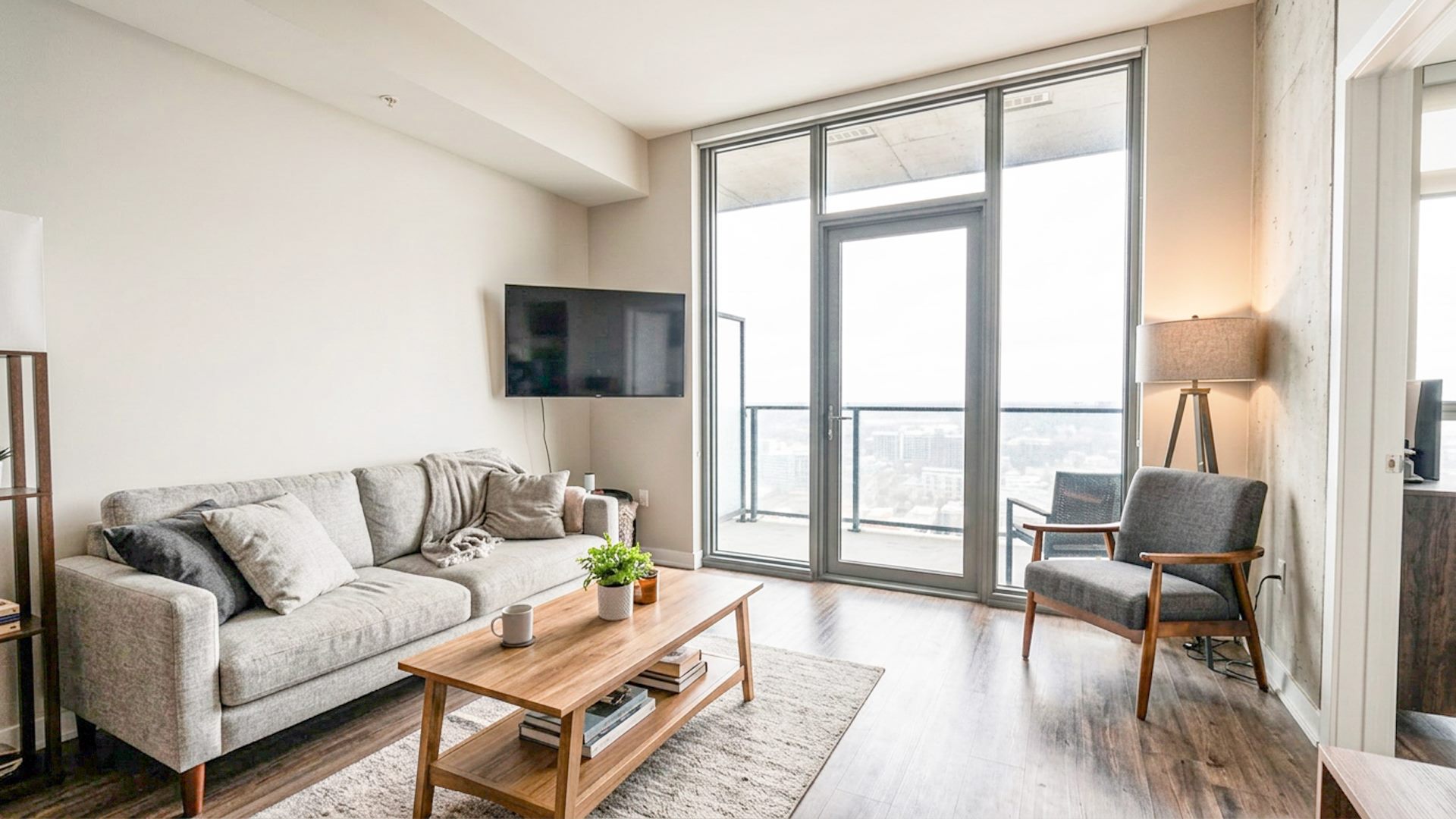
What real estate photographers usually need
Property images are not edited like portraits or creative composites. Most shoots need clean interiors, controlled windows, consistent color, and a natural result that can be delivered quickly. A strong tool should reduce repetitive setup without making the final image look artificial.
If you are searching more broadly for software that prepares property images for listings, start with Property Photo Editing Software and Real Estate Image Editing Software.
Key features to compare
- Bracket support: Can the software merge multiple exposures instead of only brightening one image?
- Window handling: Does it help preserve window detail while keeping interiors bright?
- Speed: How quickly can you move from a folder of images to a review-ready result?
- Final control: Can you fine-tune exposure, highlights, shadows, color, and clarity before export?
- Local workflow: Can you process property images without uploading client files to a remote service?
Best software depends on the job
A solo real estate photographer may care most about speed and repeatability. A retoucher may care more about deep manual control. A brokerage team may care about consistency across many listings. The best real estate photo editing software is the one that removes the most friction from the part of the workflow you repeat every day.
When dedicated HDR software helps
Dedicated HDR software is most useful when your source material is a bracketed set and your goal is a natural listing image. It can reduce the setup work before final editing: alignment, exposure blending, window control, and a first balanced pass. That leaves more time for human judgment instead of repetitive assembly.
Best for fast bracketed workflows
If you want to test before paying, start with the free HDR real estate editing software trial. If your main goal is speed, look for software that starts from a folder of brackets and keeps the review process in one place. A fast tool should reduce setup time without forcing a fake HDR look. Read more in Fast Real Estate Photo Editing Software.
Best for window-heavy interiors
If your listings often include bright glass, balconies, skyline views, or water views, window control matters. Software with a dedicated window pull workflow can be more useful than a general exposure slider. Learn the details in Real Estate Window Pull Software.
Best affordable option
Affordable real estate photo editing software should be judged by total workflow cost: price, time saved, output quality, and whether it helps avoid outsourcing every bracketed scene. See Affordable Real Estate Photo Editing Software for a practical checklist.
Where Lumaro fits
Lumaro is designed as a focused HDR-style enhancement tool for real estate images. It is not trying to replace every feature in Photoshop or Lightroom. Instead, it focuses on the repeated property-photo workflow: select bracketed images, enhance locally, optionally recover windows, review the result, and make final adjustments.
When a general editor still makes sense
For heavy retouching, object removal, sky replacement, complex masking, or large creative edits, a full editor may still be useful. Lumaro is best positioned as the faster first pass for property image enhancement and bracket merging.
Try Lumaro free